/ 6 min read / Restaurant SEO Company team
Google Business Profile Photos for Restaurants: What to Upload and How Often
Which photos a restaurant should put on its Google Business Profile, how often to add them, owner vs guest photos, and when a guest photo can be removed.
Free Maps audit for your restaurant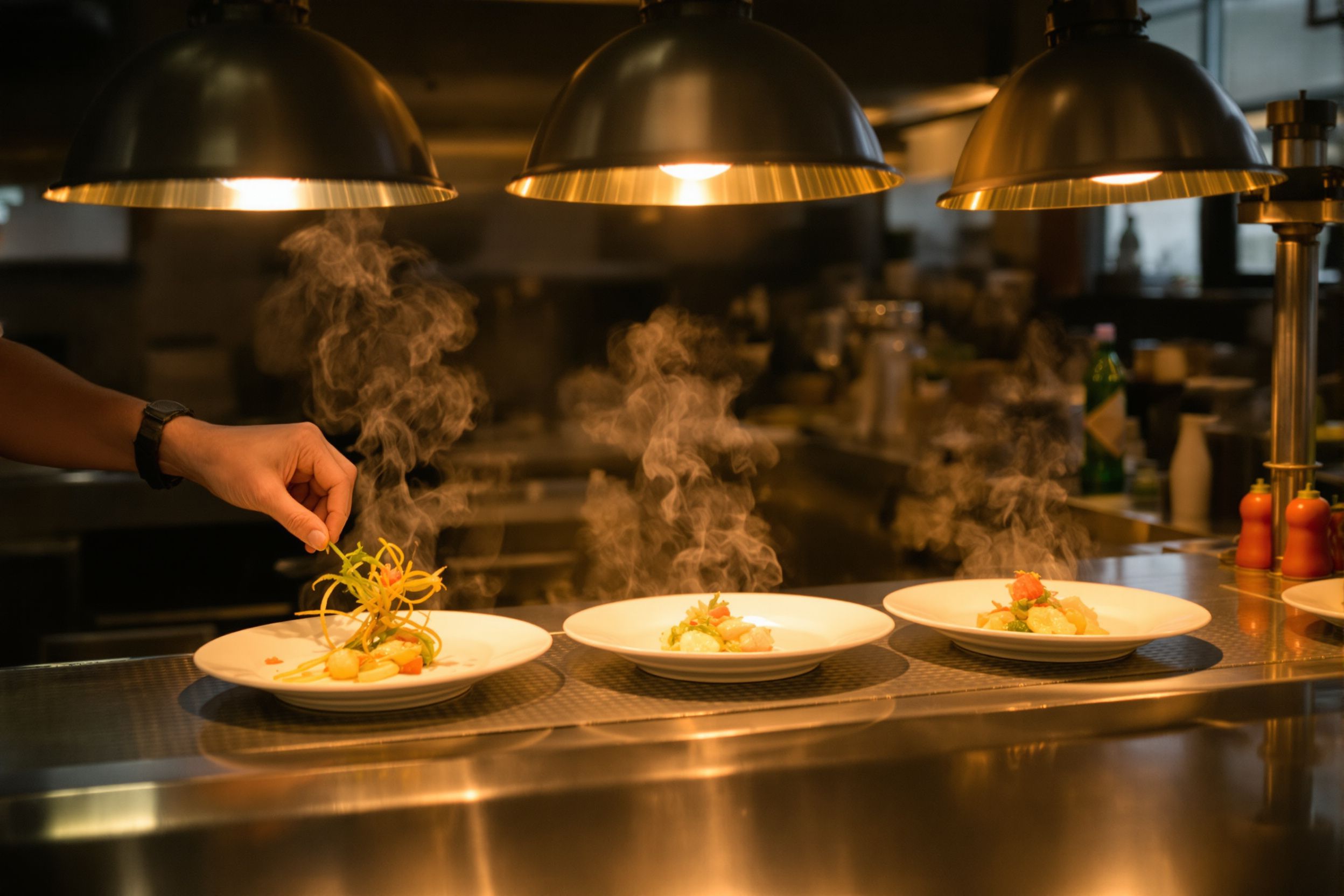
Upload real photos of the dishes you sell most, your dining room, the outside of the building, the door guests actually walk through, your current menu and your team at work. Add a few new ones every month, and swap in fresh ones whenever the menu or the room changes. The photos you upload as the owner are the part of the gallery you control; guest photos you can only report, and Google removes them only when they break its content rules.
Photos answer the questions a guest has before deciding: is this a date place or a grab-a-slice place, is there a patio, what does the burger actually look like, which door do I use. How diners pick a restaurant on Google Maps covers the rest of what they look at on a listing. This post is only about the pictures.
Dishes: shoot what people order
Pull your top sellers from the POS for the last three months and photograph those first, then anything new. A guest who comes in for the short rib they saw should get the plate in the photo, so shoot dishes as they go out, not styled versions that never leave the kitchen.
What works with a phone:
- Shoot at the pass or at a table by a window, in daylight if you can. Turn the flash off.
- One dish per photo. Wipe the rim and turn the best side toward the camera.
- Flat food (pizza, a board, a bowl) from straight above; burgers, stacks and drinks from the side at plate height.
- No text, prices or logos stamped on the image. Let the plate be the picture.
Specials earn a photo when they run for weeks, not for one night. A photo of a dish you 86'd in March sends someone in asking for it in June.
The room, the outside and the door
Photograph the dining room set for service, with the lights at dinner level, once from the entrance and once from a back corner. Add the bar, the patio and the private room if you have them, each in its own shot. Someone planning a birthday for 12 wants to see where 12 people would sit.
Outside, shoot the front from across the street in daylight and again at dusk with the sign lit, since that's what a guest looks for when they pull up for dinner. Then shoot the entrance itself. This matters most when the door isn't obvious: around the side, inside a food hall, up a flight of stairs, through a hotel lobby. If you have a step-free entrance or a ramp, show it. A guest who needs one will look for it.
Your menu
Upload clear photos of every page of the current menu, flat and legible. When prices or dishes change, upload the new pages and delete the old ones the same week, so nobody turns up expecting last year's prices. Google may show these photos in a menu section of your profile.
Menu photos help a guest who is already looking at your listing. For searches like "lamb shawarma near me", text on your own website is the version Google can reliably read and match, so keep the menu as text on your site as well.
Your team at work
Shots of the line during the rush, a bartender building a drink or a pizza going into the oven show that people make the food. Ask staff before you post anyone's face, and respect a no. For anyone who'd rather not appear, shoot hands and motion instead: dough being stretched, plates being dressed at the pass, a pour over the bar.
Owner photos and guest photos
Your listing mixes two sources. Owner photos are the ones you upload through the Business Profile, and Google usually lets people filter to see only those. Guest photos come from anyone who has been in, and over time they can outnumber yours. You can choose a cover photo and a logo, but Google decides which images show first in search and on Maps, and it may pick a guest photo over yours.
So part of improving what people see is making good guest photos easy. If the dining room is so dark that phone shots come out brown, every guest photo of your food will be brown. A little more light over the tables, or plating that holds up to a phone camera, can do as much for the gallery as your own uploads.
How often to add photos
A routine that fits around service:
- Each month: add three to five new photos. One new or best-selling dish, one of the room or patio as the season changes, one of the team or the bar.
- Every menu change: replace the menu photos that week and add the new dishes.
- After any change to the building (a new sign, paint, a remodel, a new patio): replace the exterior and room shots.
- Twice a year: scroll through your own photos and delete what's out of date, such as dishes you no longer serve, the old sign or last year's patio furniture.
Google hasn't said that uploading on a schedule ranks a profile higher, so we won't claim it does. The reason to keep adding photos is accuracy. The guest choosing between you and the place across the street should see what they'll actually get tonight.
Files and naming
- Use the original photo from your phone, not a screenshot or a copy saved from Instagram, which is smaller and compressed.
- Google accepts JPG and PNG files and lists its current size limits in its Business Profile photo help. Check them before a big upload.
- Keep photos in focus, well lit and lightly edited at most. Heavy filters make the food look different from the plate that arrives.
- Keep a shared folder sorted by month, so whoever posts can find this month's shots without texting the chef.
You'll read advice about renaming files with keywords or adding location data before uploading to the profile. Google hasn't published anything saying that changes rankings, so treat it as optional. File names and alt text do matter on your own website, where they describe images to search engines and to people using screen readers. Name website images plainly (carnitas-tacos.jpg) and write alt text that says what's on the plate.
Getting a bad guest photo removed
You can't delete a guest's photo yourself. You can report it from Google Maps (open the photo and look for the flag or "Report" option), and Google checks it against its Maps content policy. Photos that aren't of your restaurant, that show something inappropriate, or that are spam have a reasonable case. A photo that's simply unflattering, like a dim plate or a table at closing time, is unlikely to come down.
If the photo is accurate and you just don't like it, the fix is in the kitchen or the lighting, plus better photos of the same dish so it isn't the only one. And don't ask staff or friends to post photos while posing as guests.
Photos are one piece of local SEO for restaurants. Categories, hours, reviews and your website are the others.
Set a reminder for the first week of next month, take five photos during prep, and post them before dinner. If you'd like a second look at the whole listing, the free Maps audit asks a few questions about your restaurant and what you want more of, and we'll look at your profile the way a hungry guest would.